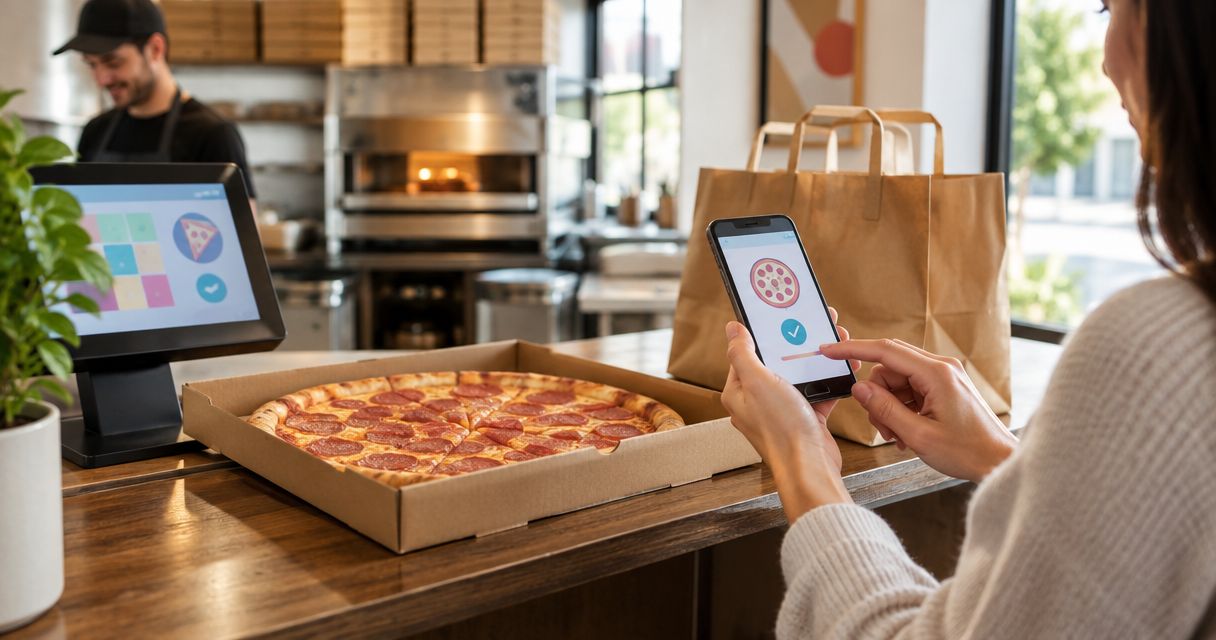
Instead of collecting pizza requests across scattered messages and retyping them at checkout, build one order, confirm pickup, and give one person the collection details. For Toast online ordering pizza takeout in 2026, start from the restaurant’s official website and follow this workflow when its ordering route opens a Toast checkout.
- For toast online ordering pizza takeout, confirm the restaurant, pickup method, cart, and collection details before submitting.
- Sliceofsociety pizza takeout suits Newhall diners who want New York-style pizza without a lounge visit.
- Use one shared order list and one collector to keep group pizza pickup organized.
- An order confirmation is your submission record; follow the restaurant’s instructions for pickup timing.
Why this matters
Faster takeout starts with fewer handoff mistakes, not a promised preparation time. A clear order keeps the person choosing dinner, the person paying, and the person collecting it working from the same information. It does not make the kitchen cook faster.
Start at Sliceofsociety rather than an ordering page forwarded without context. The Newhall/Santa Clarita business offers New York-style pizza, small plates, online ordering, takeout, delivery, and lounge dining. Follow the ordering route presented there; use the Toast-specific checks below when that route leads to Toast.
Sliceofsociety pizza takeout is best for Newhall diners who want New York-style pizza without a lounge visit. The trade-off is straightforward: takeout brings dinner home, but it does not include the cocktails, live jazz, or DJ entertainment of the dine-in experience.
Before you start
- Have your ordering materials ready. Use a connected phone or computer, a payment method accepted at checkout, and contact details you can access while collecting the order. Follow any sign-in requirement shown by the ordering page.
- Settle the food choices first. Collect item requests, quantities, and dietary questions before checkout. For a group, use the large takeout order guide for Newhall to organize the handoff.
- Check the fulfillment method before building the cart. Pickup and delivery are different workflows. Do not assume that reaching a pizza menu means you have selected pickup, and do not treat an allergy note as confirmation that a meal is safe.
For your 2026 pickup routine, keep 2 records: the final order list and the submitted order confirmation. Assign 1 collector who can access both. These are organizing rules, not requirements imposed by Toast or the restaurant.
Restaurant and pickup selection
Open the correct ordering route
- Open the restaurant’s official website and follow its online ordering route. Avoid starting from an old screenshot or an unverified search result.
- Read the business name and location on the ordering page. Confirm that you are ordering from the intended Newhall restaurant before entering payment details.
- Check which ordering platform opens. Continue with this Toast workflow only when the checkout identifies Toast; otherwise, follow the platform actually presented.
- Select the pickup fulfillment method shown on screen. Read the surrounding text so you do not accidentally start a delivery order.
- Review the pickup timing instructions before choosing food. Decide whether the timing displayed fits your plan, rather than building dinner around an assumed turnaround.
Expected result: You have the correct restaurant, the correct fulfillment method, and a pickup plan that follows the ordering page’s instructions.
Do not copy an interface label from another restaurant’s tutorial and search for it blindly. Use the wording in the checkout in front of you. The decision that matters is whether you are collecting the food yourself or asking for delivery.
Choose the right dinner workflow
Pickup, delivery, and dine-in solve different problems. Pick the experience first; then place the order through the appropriate route.
| Workflow | Best for | Advantage | Trade-off |
|---|---|---|---|
| Pizza pickup | Diners who can collect dinner themselves | You control the collection trip and the trip home | Someone must travel and check the handoff |
| Pizza delivery | Diners who need food brought to their destination | You do not need to make the collection trip | You must provide accurate destination and handoff details |
| Lounge dine-in | Diners who want pizza, cocktails, and an evening out | The meal includes time at the venue | It requires an on-site visit rather than a takeout handoff |
Choose pickup when collection fits your evening, not because you assume it always beats delivery on time. This guide does not promise a preparation or travel-time advantage.
Cart and order details
Build a cart the kitchen can read
- Work from your final order list. Add the items and quantities presented in the current menu rather than relying on remembered names or a previous order.
- Read each item’s description before selecting it. Use only the customization choices actually offered for that item.
- Review each configured item before adding the next. Pay particular attention to quantities and selections that change what someone receives.
- Treat special instructions as a request, not an agreement. Contact the restaurant directly about food allergies or a preparation requirement that needs confirmation.
- Compare the completed cart with your order list. Resolve differences before moving to payment.
Expected result: The cart reflects the group’s agreed choices, with no unresolved preparation request disguised as an ordinary checkout note.
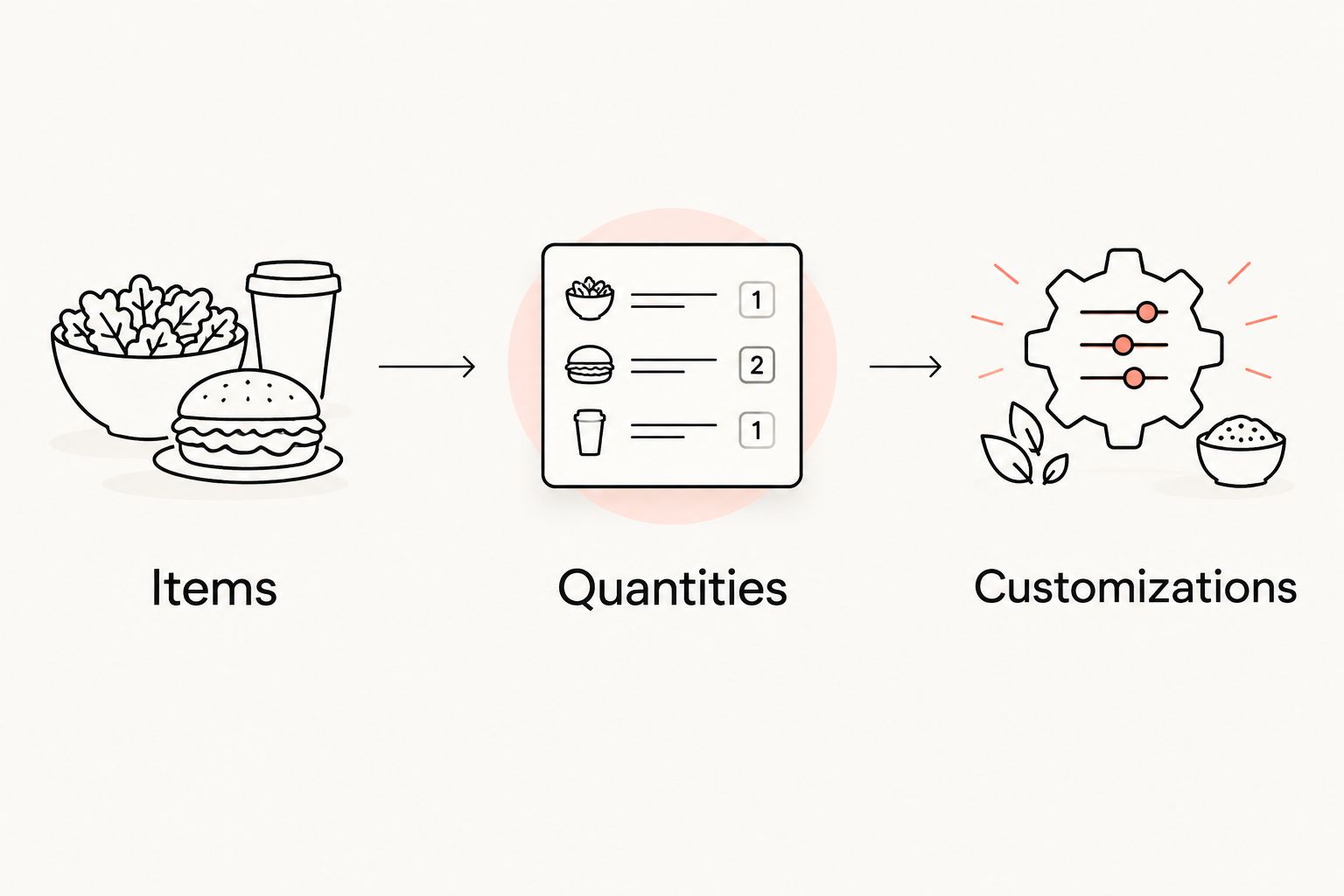
Use 3 checks before submitting: items, quantities, and customizations. Read them separately. A correct pizza choice with an incorrect quantity is still an incorrect order.
For a group, name the decision owner before anyone changes the cart. One person can gather requests while another collects the food, but only the order owner should finalize revisions. This prevents competing versions of dinner from reaching checkout.
Keep food questions out of guesswork
A menu description helps you choose dinner; it is not a substitute for an allergy conversation. If someone needs an ingredient excluded for medical reasons, ask about ingredients and preparation before placing the order.
Do not infer a dietary claim from a pizza’s name. Likewise, do not assume that removing a topping resolves a cross-contact concern. When a food requirement needs a confirmed answer, get that answer before checkout.
This also protects the collector from becoming the messenger for an unresolved request at the counter. Settle the question while you can still change the plan without confusing a submitted order.
Checkout and collection details
Submit once and save the record
- Review the fulfillment method again at checkout. Confirm that the order remains a pickup order.
- Enter the requested customer and contact details accurately. Use information the collector can reference if the restaurant needs to identify the order.
- Read the final cart and pickup information. Follow the checkout’s payment instructions without assuming a particular payment method is accepted.
- Submit the order once. Wait for the checkout result instead of repeatedly pressing the submission control.
- Save the confirmation details presented after submission. Keep the order identifier, customer name, pickup instructions, and any stated timing together.
Expected result: You have a submitted order record that the collector can use to identify the order and follow the restaurant’s instructions.
For the 2026 workflow, distinguish submission confirmation from pickup readiness. A confirmation records the order; use the message’s actual wording to understand what happens next. Do not turn an estimated time into a guarantee.
If the checkout result is unclear, investigate before placing another order. Check the confirmation page and the contact channel you entered. Ask the restaurant to verify whether it received the order before you try again.
Hand the order to one collector
- Send the collector the confirmation details, not just a screenshot of the cart before payment.
- Include the restaurant identity, customer name, order identifier, and pickup instructions shown in the confirmation.
- Follow the confirmed collection instructions. If your plans change, contact the restaurant rather than assuming the order will adjust automatically.
- At handoff, identify the order using its confirmation details. Compare the items handed over with the submitted list and ask staff about any discrepancy.
- Keep the food secure for the trip home. Carry pizza boxes level and avoid placing heavy objects on them.
Expected result: The collector knows what to request, what to check, and where the food is going next.
The confirmation belongs with the collector, not only with the person who paid. That small handoff rule keeps the collection trip from depending on someone answering a message at the right moment.
Start your pizza pickup plan
Open the official site and follow its online ordering route for your Newhall takeout order.
Second workflow: order ahead for a group
The adjacent workflow is a planned group pickup rather than an order for immediate collection. Use scheduling only when the checkout presents that option; otherwise, coordinate timing directly with the restaurant.
For a 2026 office lunch, family dinner, or group gathering, the change is organizational: settle the meal before the collector starts traveling. A larger group also needs a clear destination and someone responsible for distributing the food.
- Choose the meal’s intended serving time and destination. Keep the serving time separate from the pickup time.
- Gather everyone’s requests into a single list. Resolve conflicting instructions before building the cart.
- Review any scheduling choices presented by checkout. Confirm the date and timing you selected in the final order summary.
- Assign the collector and share the submitted confirmation. Include who will receive the food at the destination.
- Contact the restaurant about coordination needs that checkout does not address. Do not assume a standard cart establishes a catering arrangement.
Expected result: The group has one agreed meal, one submitted order, and a clear collection-to-serving handoff.
The advantage is a coordinated plan. The limitation is that a group order still needs restaurant confirmation for requirements outside ordinary checkout, especially when timing or preparation needs are central to the event.
Troubleshooting
The cart is set to delivery
Return to the fulfillment selection and choose pickup using the wording displayed. Recheck the cart and final order summary afterward; do not assume switching methods leaves every detail unchanged.
Checkout ends without a clear confirmation
Check the page’s result and the contact channel you supplied. Do not submit a replacement order until you establish whether the first order was received. Contact the restaurant when the result remains unclear.
You need to change a submitted order
Contact the restaurant with the order identifier and the exact requested change. Editing an unsubmitted cart or sending a message to your collector does not revise the restaurant’s existing order.
The collector cannot identify the order
Send the submitted confirmation, including the customer name and order identifier. If the collector only has the food list, have the ordering person provide the actual submission record before asking staff to search.
An allergy question remains unresolved
Stop and ask the restaurant directly about the ingredients and preparation involved. Do not use a checkout note, a menu title, or a customization selection as evidence that a meal meets a medical requirement.
Customize your workflow
Build your 2026 takeout routine around the same reusable handoff: agreed food list, confirmed fulfillment method, submitted order record, and named collector. Change the meal, not the basic checks.
For Sliceofsociety pizza takeout, decide whether you are organizing dinner at home or an evening at the lounge. The business offers both takeout and dine-in, but the collection workflow should not carry assumptions about table arrangements, entertainment schedules, or cocktail service.
For recurring group meals, keep a blank order-list template rather than a permanently saved menu. Record people’s requests, the selected items, quantities, and unresolved questions. Recheck the current menu each time instead of treating an old order as the current offering.
FAQ
How do I use Toast online ordering for pizza takeout?
Start from the restaurant’s official website and use this workflow when its ordering route opens a Toast checkout. Confirm the restaurant and pickup method, review your cart, submit once, and save the confirmation.
Does Sliceofsociety use Toast for online orders?
Check the ordering platform reached through Sliceofsociety’s official website before following Toast-specific instructions. Use the checkout actually presented rather than assuming a platform from an article title.
Will ordering online make my pizza ready faster?
Online ordering does not guarantee faster preparation. A clear cart and collection handoff prevent avoidable coordination mistakes, while the restaurant’s stated timing governs your pickup plan.
Is pickup better than pizza delivery?
Pickup is the better fit when you can collect the food yourself and want to manage the trip home. Delivery fits a different need: bringing food to your destination without a collection trip.
Can I schedule a pizza pickup for later?
Use a scheduled pickup only when the ordering page presents that option. Confirm the selected date and timing in the final summary, or coordinate directly with the restaurant.
What should I do if my Toast order has no confirmation?
Verify whether the order was received before submitting again. Check the checkout result and your entered contact channel, then contact the restaurant if the status remains unclear.
Can someone else collect my pizza order?
Share the submitted order details with your intended collector and follow the restaurant’s pickup instructions. Give the collector the customer name, order identifier, and final item list so they can identify and check the handoff.
Can I put a food allergy in the order notes?
Do not rely on order notes to confirm allergy safety. Ask the restaurant directly about ingredients, preparation, and cross-contact before submitting an order that depends on those answers.
One last thing
Send the confirmation before the collector leaves. A cart screenshot shows what you intended to buy; the submitted order record shows what the collector needs to identify. For a clean takeout handoff, that distinction matters more than another reminder to hurry.